WordPress Neighborhood Widgets: StrollPlace Is Live
Add city and neighborhood cards to WordPress with StrollPlace Widgets. Use Places mode without IDX, or enrich listings from 14 supported providers.
A property listing tells visitors about a home. A neighborhood guide helps them understand the place around it. With StrollPlace Widgets, you can bring those two experiences together on your WordPress website.
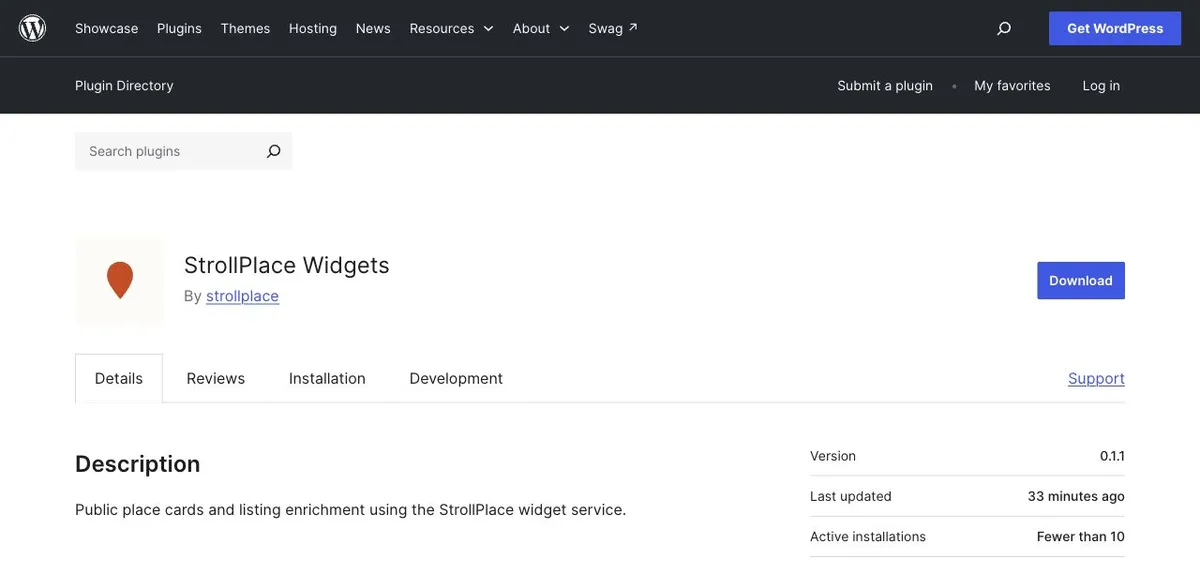
StrollPlace Widgets is now live on WordPress.org. Add city and neighborhood information to your pages with Gutenberg blocks and reusable shortcodes, or enrich supported real estate listings with local context. No StrollPlace account or MLS feed credentials are required.
Get StrollPlace Widgets on WordPress.org.
Add neighborhood and place cards to WordPress
Give readers more to work with than a place name. Add a card for a city, neighborhood or significant place, and choose from the available overview, key metrics, schools and nearby places sections.
Use a city card on a relocation page, add neighborhood context to an area guide, or introduce nearby places alongside your local recommendations. Cards include source links and a path to explore more on StrollPlace.
Use Places mode without an IDX provider
You do not need an IDX plugin or a listing provider to use StrollPlace Widgets. In Places mode, choose a city, neighborhood or significant place yourself, customize its card and add it to any WordPress page with a block or shortcode.
It works for local blogs, relocation guides, community pages and real estate websites that want place information without connecting it to a property listing.
Supported IDX providers for WordPress listing pages
For real estate websites, listing enrichment adds place information alongside supported listing pages and search results. Visitors can explore the surrounding area while browsing properties on your site.
Listing mode supports these providers:
AgentFire (native AF IDX), Buying Buddy, Diverse Solutions IDX (dsIDXpress) and Easy Agent Pro.
Flexmls IDX for WordPress, IDX Broker, iHomefinder and Lofty IDX for WordPress.
Real Geeks, RealScout, Realtyna WPL, Rover IDX, Showcase IDX and SimplyRETS for WordPress.
You can also choose automatic detection for supported providers. The Other provider option supports detail pages with compatible structured listing data.
Choose your provider and its supported placements. Use Auto mode across applicable pages or Manual mode where you want to place a saved listing configuration. Available placements vary by provider: RealScout supports search results, while some other providers also support listing details or lightboxes. Support depends on the provider's public page markup; custom templates may need checking, and content inside cross-origin iframes cannot be read from the surrounding page.
For more ways to use local context on property websites, see our guide to StrollPlace real estate widgets.
Create once, use across your WordPress site
Save a named configuration, then select it in a StrollPlace Gutenberg block or paste its generated shortcode into a Shortcode block. When you change the saved configuration, every page using it picks up the update.
Create separate cards for different communities, copy a configuration to make a variation, and adjust the theme, colors, font and corner radius to suit each page. Light, dark and visitor color-scheme options help the widgets fit your design.
How to add StrollPlace Widgets to WordPress
Install and activate StrollPlace Widgets.
Open StrollPlace → Overview, review the external service disclosure and enable the service.
Go to StrollPlace → Shortcodes → Add new. Name your configuration, choose a place and customize the card.
Save it, then add it to a page using the StrollPlace block or its shortcode.
Preview your page. To add listing enrichment, choose your provider and placements under StrollPlace → Listing pages.
The plugin requires WordPress 6.5+, PHP 7.4+ and a theme that calls wp_footer. WordPress Multisite is supported, with separate settings and service consent for each site.
External service, with an explicit opt-in
Activation alone makes no requests to StrollPlace. You decide when to enable the service. Once enabled, widgets load JavaScript, styles and place information from StrollPlace; browser requests share normal connection information, including IP addresses. Review your site's privacy disclosure before enabling it. Embedded widgets do not collect analytics.
Ready to add local context to your WordPress website? Install StrollPlace Widgets or try the widget builder to explore the options first.